
Companies and teams are in a constant state of ongoing communication and collaboration. Fast, effective communication is crucial in order to move projects forward and achieve goals efficiently. However, communication at work usually requires substantial background information. If the context can't be presented clearly, efficiency will be compromised. Lark Chat fixes this problem by helping you find people quickly, displaying context effectively, and transmitting information efficiently. This way, you can communicate and collaborate in a way that actually works.
A new way to communicate
Lark is a next-generation office collaboration suite that integrates communication, shared calendars, and online documents. These three functions are interoperable and allow collaboration to happen in real time. Their underlying basis is Lark Chat.
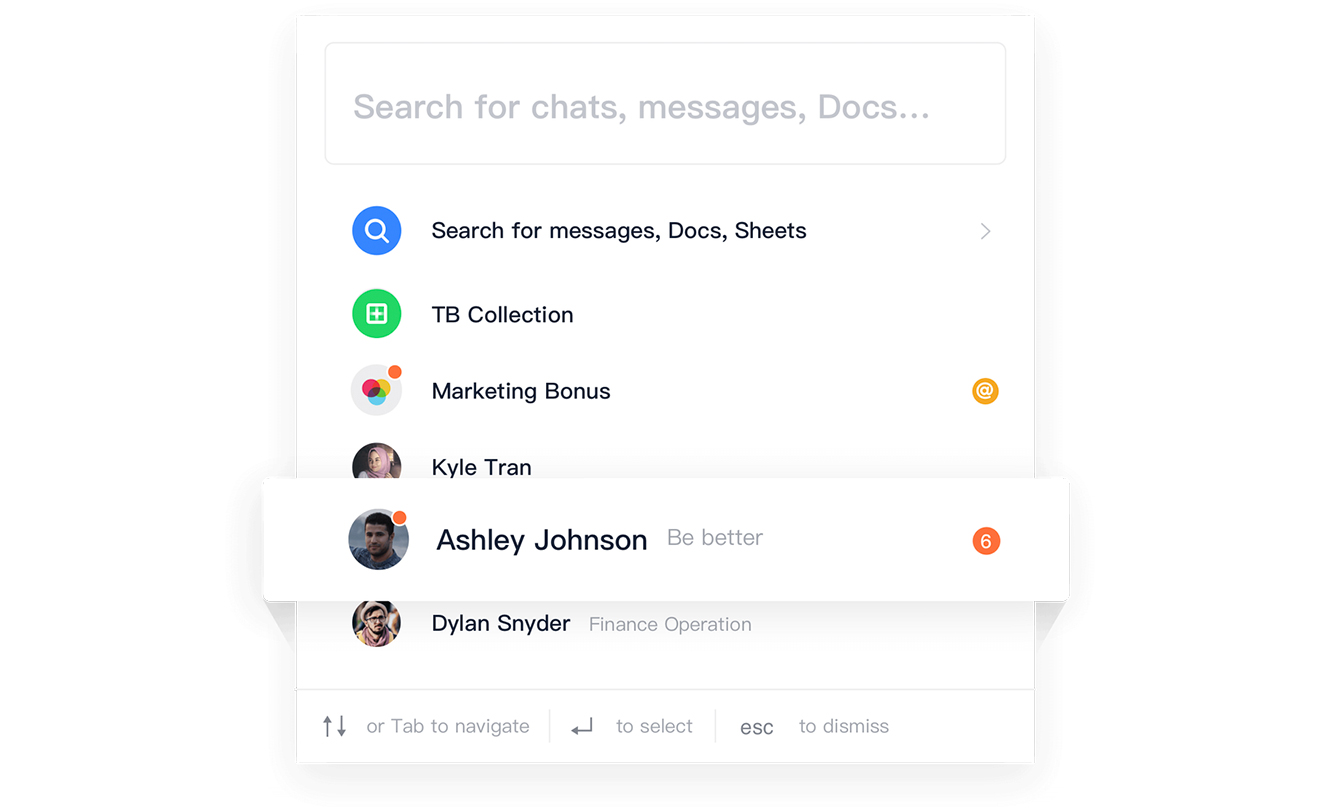
After setting up a team or company in Lark, the administrator can invite people to join Lark and establish a clear organizational structure. Everyone's title, function, department, and even reporting relationships are transparent, making it easy to find the people you need to talk to.
Workplace communication needs to be oriented toward results and goals, not small talk and side conversations. Every instance of communication should lead to a specific outcome. With this in mind, we developed Lark Chat to be more than just a messaging feature. It's deeply integrated with shared calendars and online documents, letting you communicate and collaborate with your team using an assortment of forms and in a variety of ways. You can also add people from outside the company as friends on Lark to work together on the same platform.
See all messages in Lark
Aside from conversations and group chats, Lark's Chat interface lets you receive calendar updates, including meeting invitations and reminders of upcoming meetings, as well as comments on your documents. You can open documents directly from the Chat interface to edit in real time and leave comments. Messages from bots will also appear on the Chat interface, and you can delegate routine tasks to them to improve work efficiency. In addition, when you access a third-party application, messages from that application can also be shown on the Lark platform. This way, you can see all your messages in one place.
Innovative design creates more efficiency
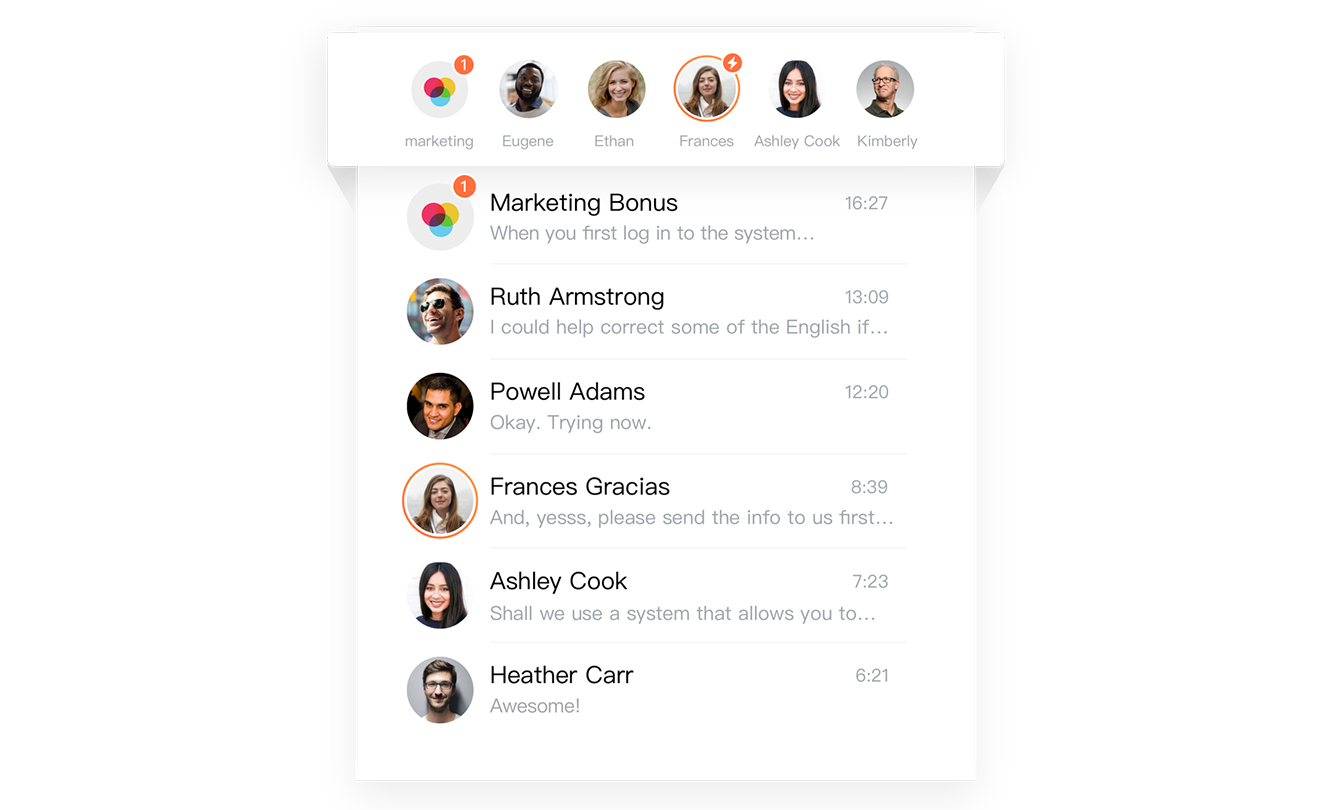
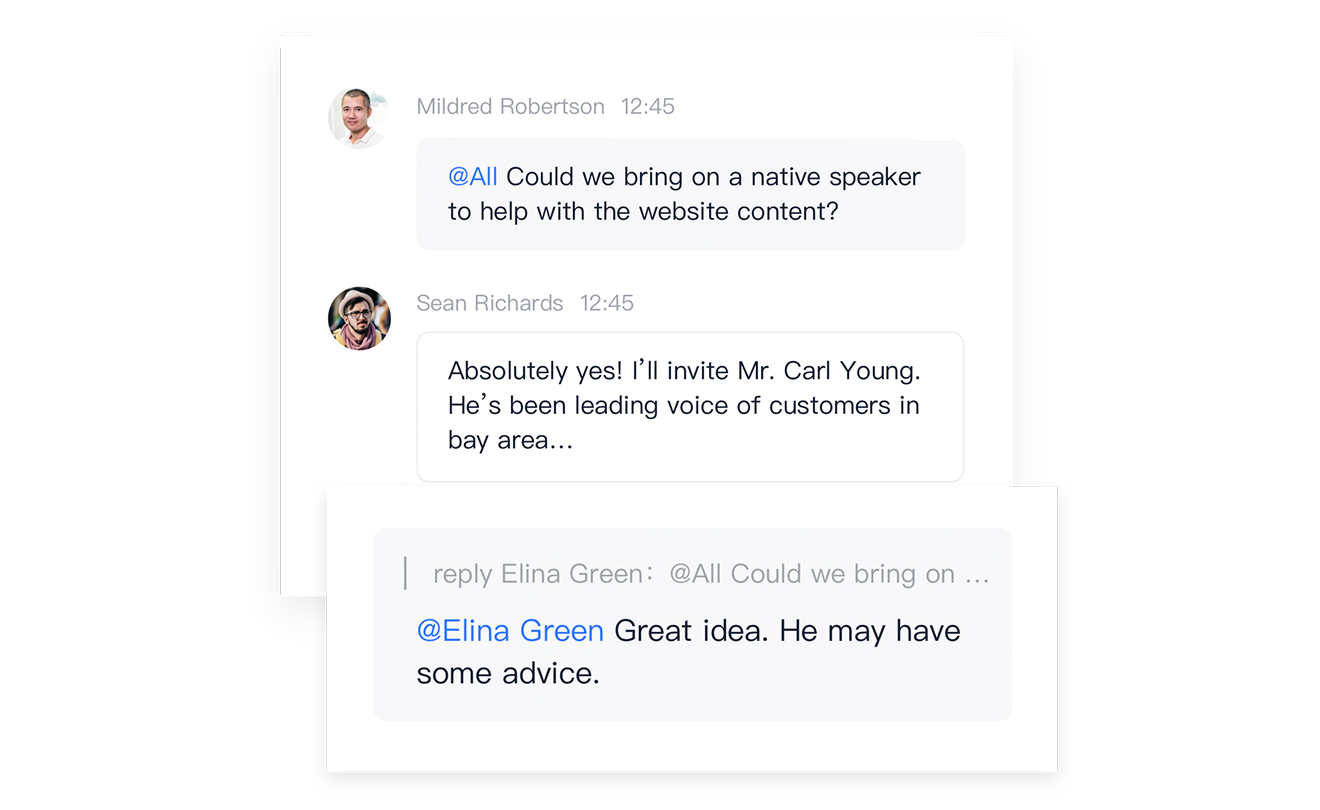
To make communication more efficient and convenient, Lark has made a series of innovations. When it comes to prioritized messages, Lark's design features a horizontal display to show more messages using less space, while keeping messages that aren't pinned still visible. All messages are shown on the left so you can read them at a glance. To prevent distraction in group chats and keep a conversation going, Lark Chat offers emoji replies and message strings. Rich text is also available to help you explain things fully and clearly.
No matter the task, Lark is here to help
Let's say you're in charge of a major product launch. First, you create a group chat named "New Product Launch," and invite all the members of the project team. In order to quickly brief everyone on updates and analyze potential risks, you can create a specialized message string that focuses on risk alerts, allowing you to rapidly detect and resolve problems and avoid missing any nagging issues. You can also use the voting function to collect suggestions and reach a consensus on topics ranging from taglines to stage lighting effects. With the availability of rich text, you can craft comprehensive messages to convey critical information, such as the time, venue, and special guest list of your event. All these features and more are waiting for you on Lark! Click here to set up your team.
Lark is your perfect work from home companion. Try Lark for free today by clicking here!